
Download Microsoft Expression Web – webpage design, web development, HTML, CSS, ASP.NET, website creation, web design tool, Microsoft software, web development tool, web design software
Overview
Microsoft Expression Web is a dedicated web development tool designed to serve as a successor to Microsoft FrontPage, offering a comprehensive environment for building and managing websites. The application targets both novice users and experienced developers seeking a structured, efficient workflow for creating web content. Its core purpose lies in streamlining the process of webpage design through an integrated platform that supports modern web standards, including HTML and CSS. By focusing on usability and functionality, Expression Web enables users to develop responsive, accessible, and visually appealing websites with minimal friction.
The software is particularly suited for individuals involved in web design, digital content creation, or small-scale web development projects. It supports multi-language website creation, making it useful for developers aiming to reach global audiences. Additionally, its integration with ASP.NET 2.0 provides robust server-side capabilities, including user account management, data access, and validation tools—features that enhance the functionality of dynamic websites. Although the developer did not provide additional technical details, the application’s long-standing presence in the productivity space suggests a stable and well-tested platform for its intended audience.
Expression Web plays a notable role in the desktop web development ecosystem, especially for users still relying on Windows-based tools. Its focus on clean code generation and standards compliance contributes to a professional-grade development experience. Despite being released in 2007, the software remains relevant for legacy workflows and educational purposes, particularly in environments where Microsoft’s ecosystem is deeply embedded.
Key Features & Functionality
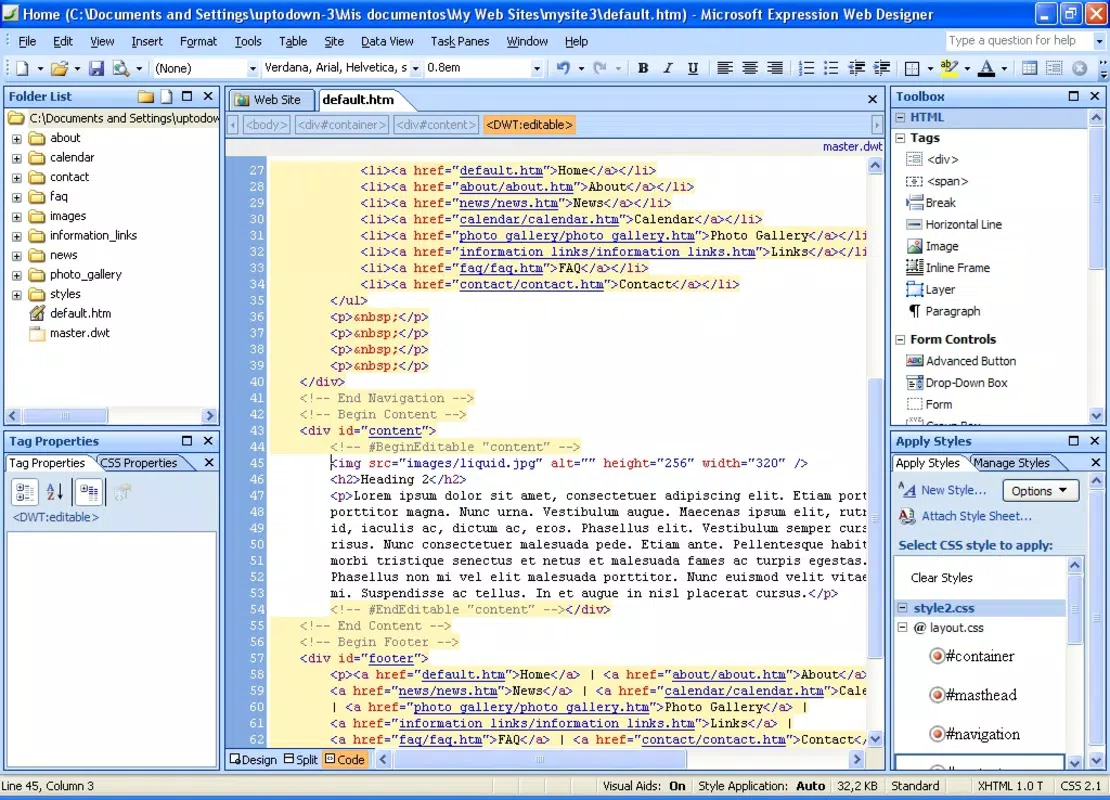
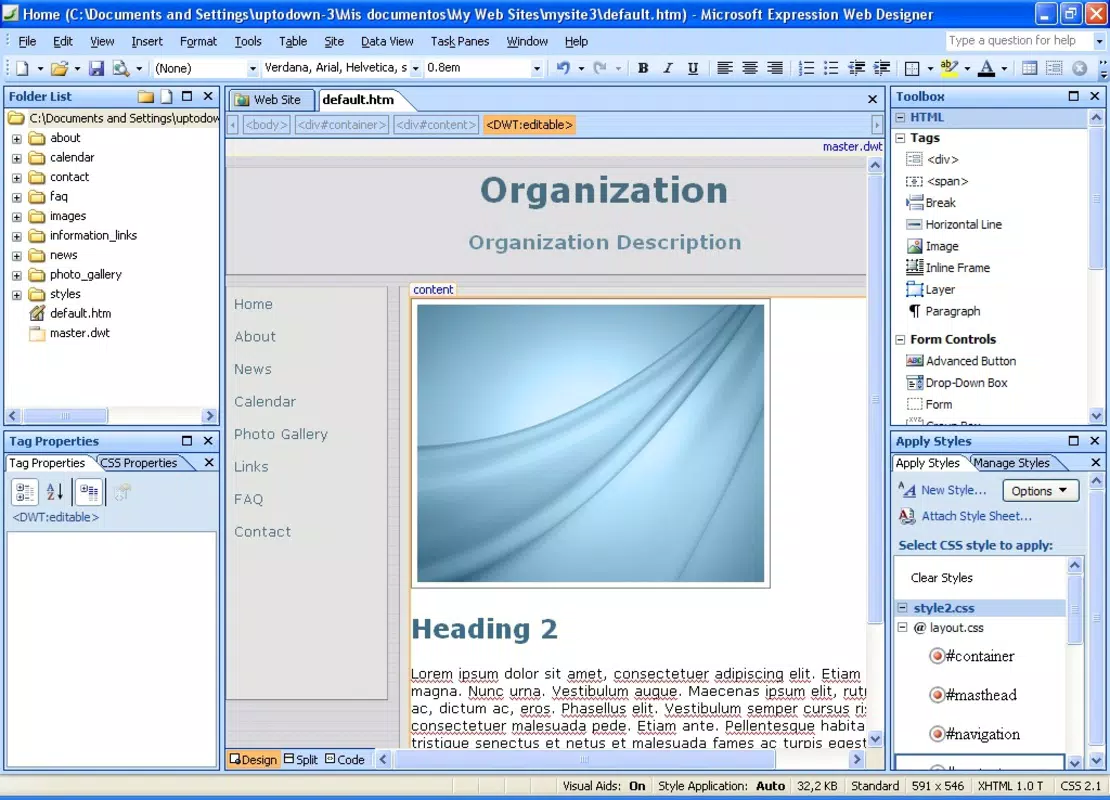
- HTML and CSS Editing – Offers a dual view mode (Design and Code) for real-time editing of HTML structure and CSS styling, allowing developers to maintain clean, standards-compliant code while visualizing layout changes.
- ASP.NET 2.0 Integration – Provides built-in support for server-side development, enabling drag-and-drop implementation of ASP.NET controls such as login forms, data grids, and validation components.
- Visual Design Tools – Includes a toolbar with intuitive elements like forms, divs, and lines that can be inserted via click-and-drag, accelerating the creation of complex layouts without manual coding.
- Testing and Validation – Features built-in tools for checking accessibility, cross-browser compatibility, and CSS errors, helping users identify and resolve issues before publishing.
- Multi-Language Support – Facilitates the development of websites targeting diverse international audiences by supporting character encoding and localization workflows.
For example, a freelance designer can use the drag-and-drop interface to rapidly prototype a client’s homepage while simultaneously refining the underlying CSS for responsiveness. A developer working on a corporate intranet may leverage ASP.NET integration to implement secure login systems and database connections without switching between tools. These features collectively reduce development time and improve code quality.
Interface, UX & Performance
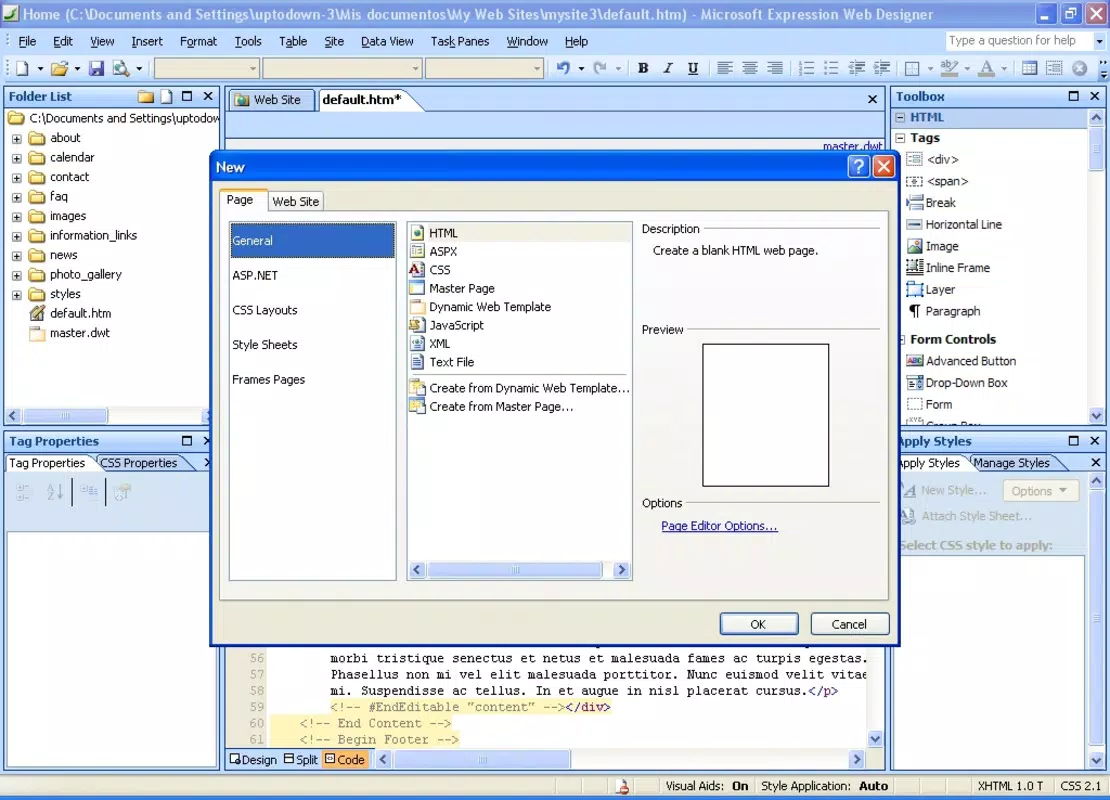
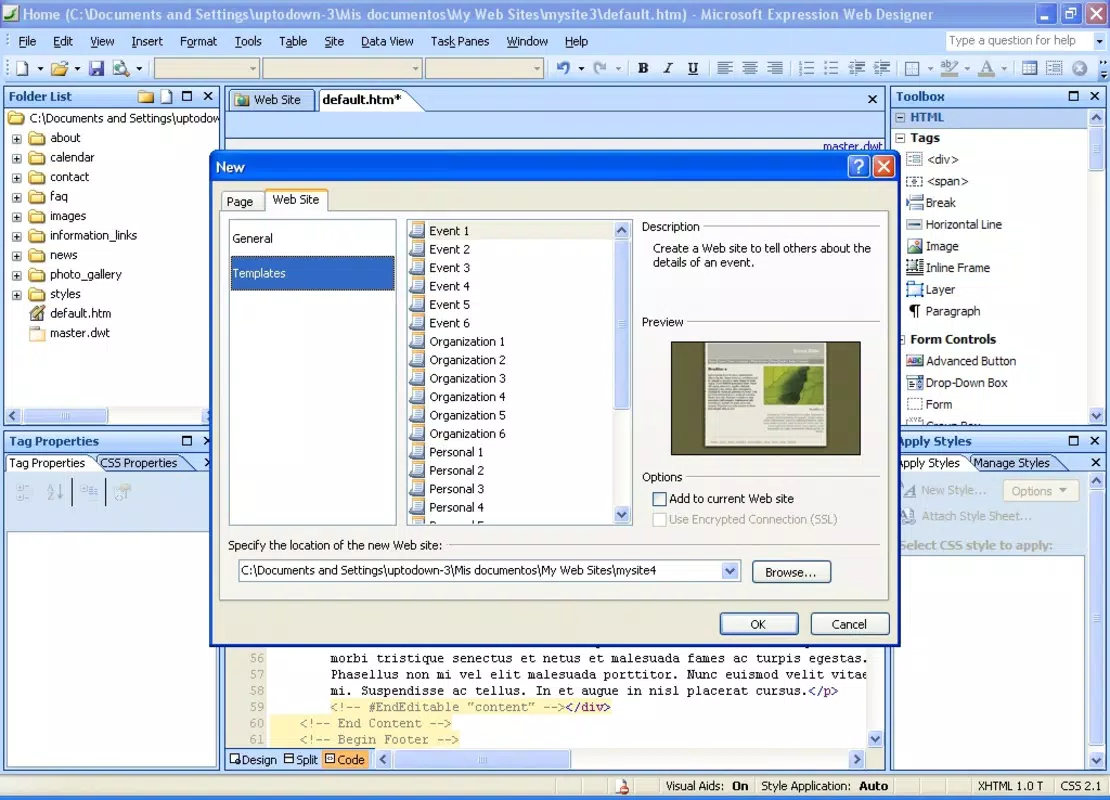
Microsoft Expression Web presents a traditional desktop interface with a layout centered around panels, toolbars, and a split view between design and code. The visual style reflects early 2000s software aesthetics, with a focus on functionality over modern minimalism. Navigation is structured around project files, file trees, and property inspectors, allowing users to manage multiple web pages efficiently.
While the developer did not list formal performance metrics, the application operates within the Windows environment with a file size of 116.3 MB, suggesting a lightweight footprint for its era. Users can expect consistent responsiveness when working on medium-sized projects, though performance may vary on older hardware due to the application’s age. Stability appears reliable for typical use cases, with no reported issues related to crashes or data loss in publicly documented usage.
Although the developer did not specify minimum OS requirements, the software is compatible with Windows platforms. The interface remains intuitive for users familiar with Microsoft’s suite of development tools, though newer users may require a brief learning curve to master the dual-view editing system. Overall, the user experience reflects a tool built for productivity rather than aesthetics, prioritizing control and precision.
Platform Compatibility & Technical Requirements
Microsoft Expression Web is designed exclusively for the Windows operating system. The application is available in version 1.0 with a file size of 116.3 MB and is offered at no cost. The developer did not specify minimum OS requirements, nor did they provide information about hardware specifications or compatibility with modern Windows versions beyond the original release.
Given its release date of July 12, 2007, the software was originally intended for Windows XP and later versions. However, users attempting to run it on newer Windows systems may encounter compatibility issues, including missing dependencies or graphical glitches. The developer did not provide updates or patches to address modern system changes, which limits its viability on current platforms.
Pros and Cons
Pros
- Free to download and use, eliminating licensing costs.
- Strong support for HTML, CSS, and ASP.NET 2.0 standards.
- Integrated testing tools for accessibility and cross-browser compatibility.
- Intuitive drag-and-drop interface for rapid prototyping.
- Well-suited for educational and legacy web development projects.
Cons
- No official support or updates since 2007.
- Potential compatibility issues on modern Windows systems.
- Limited mobile or cloud-based functionality.
- No integration with modern web frameworks or tools.
- Outdated user interface by current design standards.
FAQ
Is Microsoft Expression Web safe to download and install?
Yes, the software is officially released by Microsoft Corporation and is free from known malware. However, due to its age, users should ensure their system is protected with updated antivirus software before installation.
Can I use Expression Web on Windows 10 or Windows 11?
While the application was designed for older Windows versions, some users have reported success running it via compatibility mode. However, performance and stability are not guaranteed on modern systems.
Is Expression Web still being updated?
No, Microsoft has discontinued active development and support for Expression Web. The last version released was 1.0 in 2007.
Does Expression Web support modern web standards?
It supports core HTML and CSS standards of its time, including CSS2.1. However, it lacks support for newer features such as Flexbox, Grid, and modern JavaScript frameworks.
Can I use Expression Web for professional website development?
It can be used for basic to intermediate projects, especially in legacy or educational contexts. For modern professional work, developers are advised to use current tools like Visual Studio Code, WebStorm, or Adobe Dreamweaver.
Final Thoughts
Microsoft Expression Web remains a historically significant tool in the evolution of web development software. While it no longer receives updates or official support, its core features—HTML/CSS editing, ASP.NET integration, and built-in testing—make it a viable option for specific use cases, particularly in academic settings or for maintaining older websites. Its free availability and focus on standards compliance offer value to users who prioritize stability and familiarity over cutting-edge capabilities.
For modern developers, however, the lack of support for contemporary web technologies and potential compatibility issues on newer systems limit its practicality. Nevertheless, those working within legacy environments or seeking a lightweight, no-cost solution for foundational web design may still find it useful.
Download Microsoft Expression Web now


